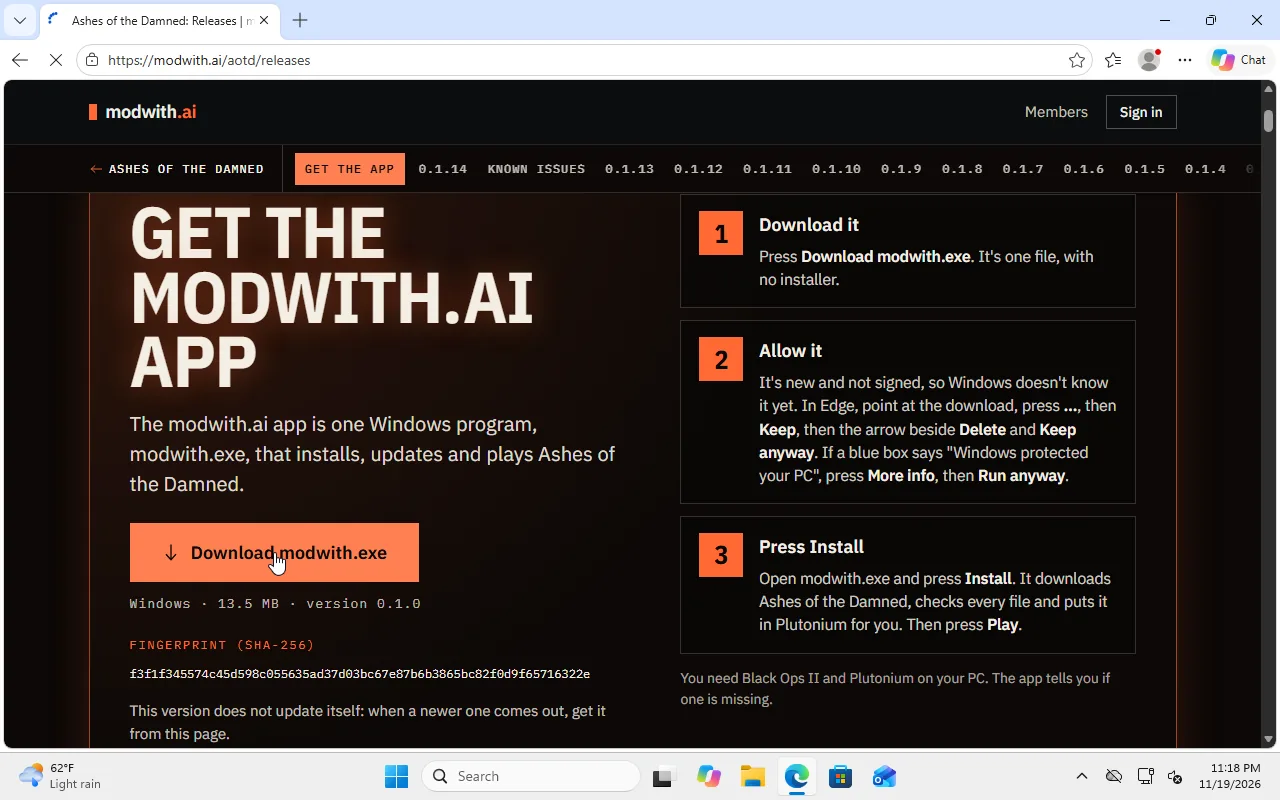
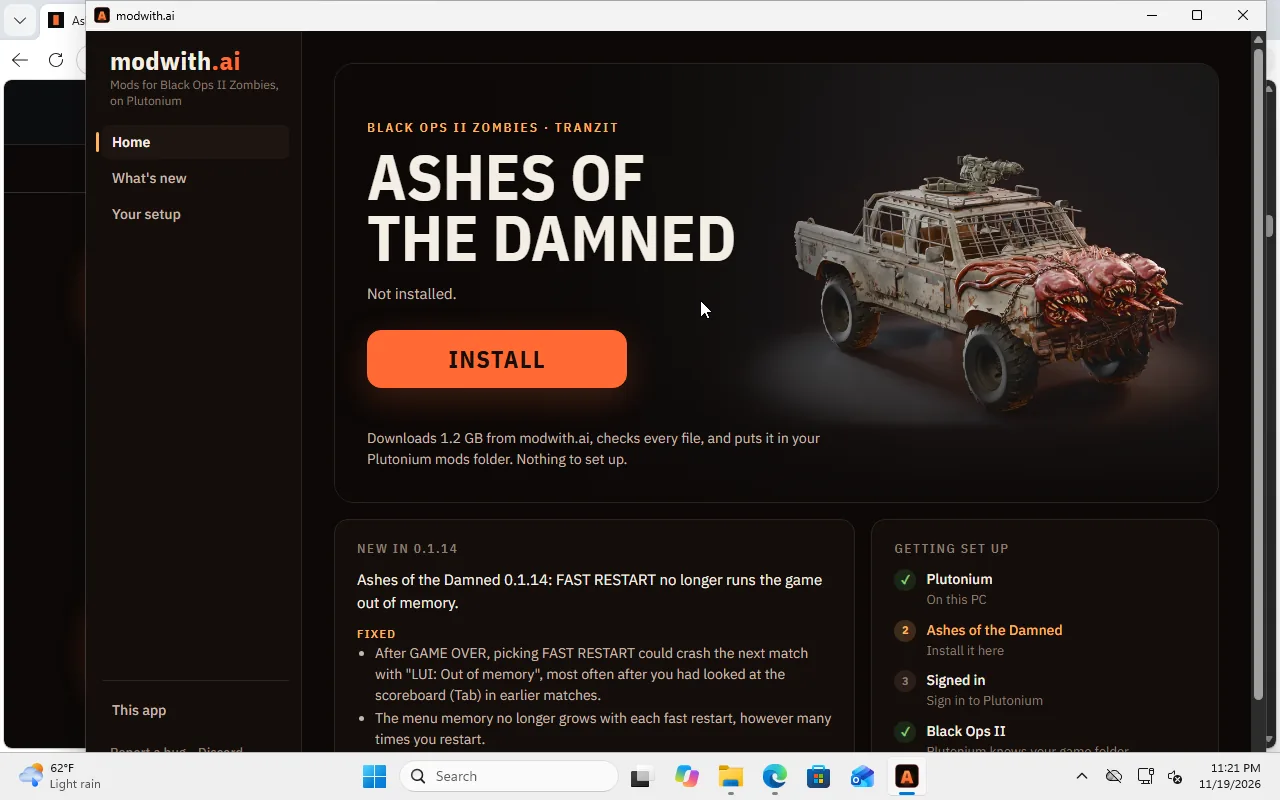
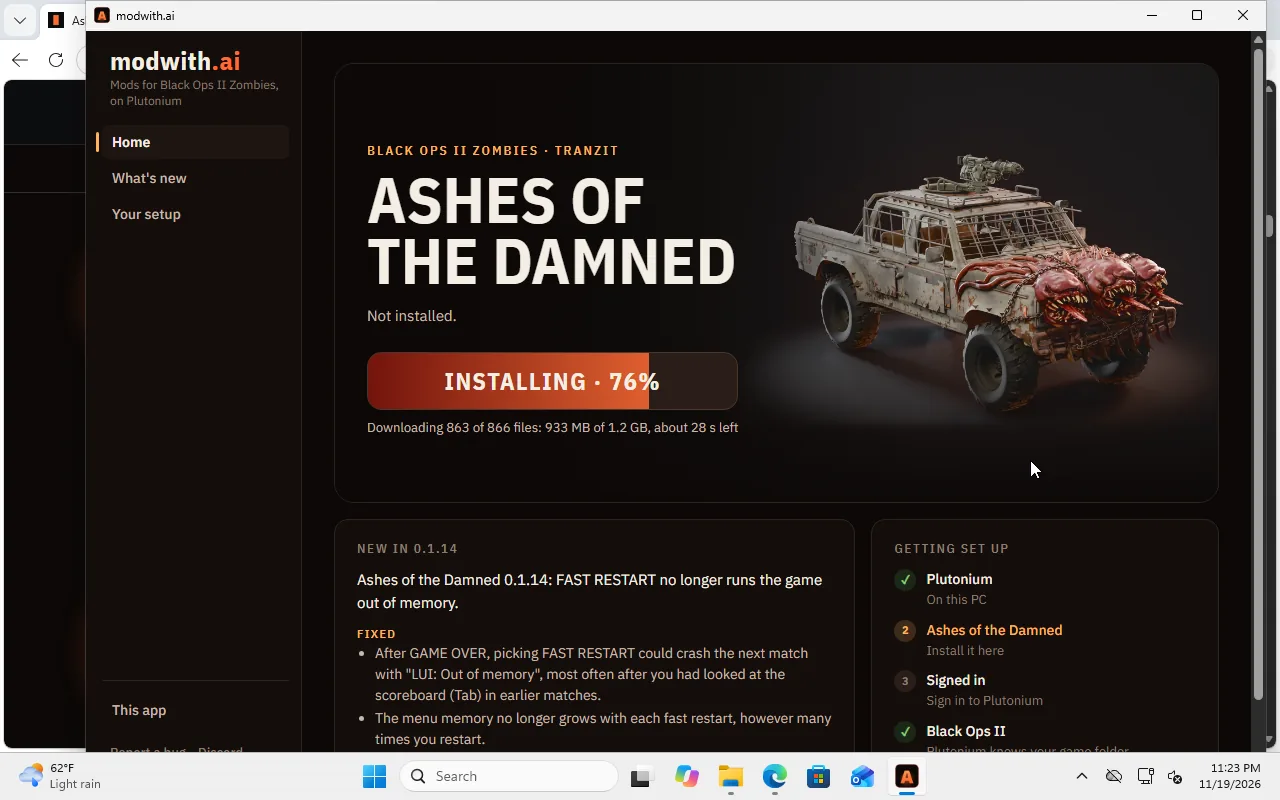
aotd.exe is not signed, so Windows cannot name its publisher. Three things can stop it. None of them means a virus was found.
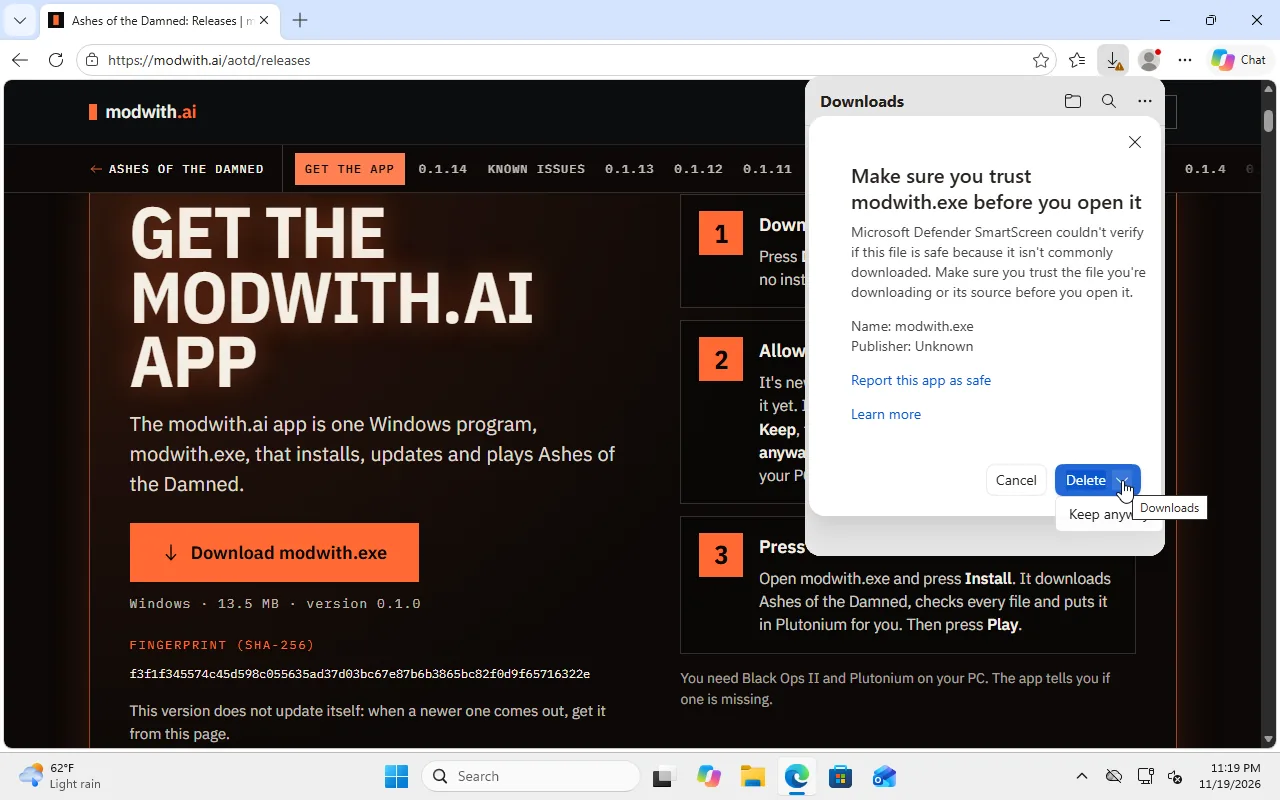
1. Your browser, when it downloads. Edge says "aotd.exe isn't commonly downloaded." Point at the download, press …, then Keep. In the box that opens, press the small arrow beside Delete and choose Keep anyway. Other browsers word it differently: look for Keep.
2. A blue box, "Windows protected your PC". Press More info, then Run anyway. You may not see this box at all.
3. "Smart App Control blocked an app that may be unsafe." This box has no Run anyway button. Smart App Control is a Windows 11 setting that only lets through apps Microsoft already knows, and a new version of ours is unknown to it at first. You can:
- Try again later. In our tests, Windows let a new version through a few hours after it was first run, but we can't promise that.
- Turn Smart App Control off, in Windows Security > App & browser control > Smart App Control settings. It also guards you against other unknown apps, so whether to turn it off is your call. Microsoft says an up-to-date Windows 11 lets you turn it back on in the same place; an older one won't let you without reinstalling Windows.
- Skip the app: Ashes' own zip on the releases page installs without it.
Is it the real file? Its fingerprint (SHA-256) is f3f1f345574c45d598c055635ad37d03bc67e87b6b3865bc82f0d9f65716322e; the same one is in our Discord post. To see yours, open PowerShell, type Get-FileHash "$HOME\Downloads\aotd.exe" and press Enter. PowerShell shows it in capital letters, which makes no difference. If it is different, delete the file and download it again from https://modwith.ai/aotd/releases.
If Windows Security says it found a threat, that is not one of the three above: do not run it, and tell us on Discord.